ChatFS
Toolbar background fix
Due to the way the MSFS Toolbar works, other MSFS addons might interfer with the way ChatFS works in the
background.
For now, this is the only way to fix this issue. I'll try to come up with a better solution in the future.
1) Go to your` Community` folder and search for `Toolbar.html`
2) The result should looks like this. The number of results may differ
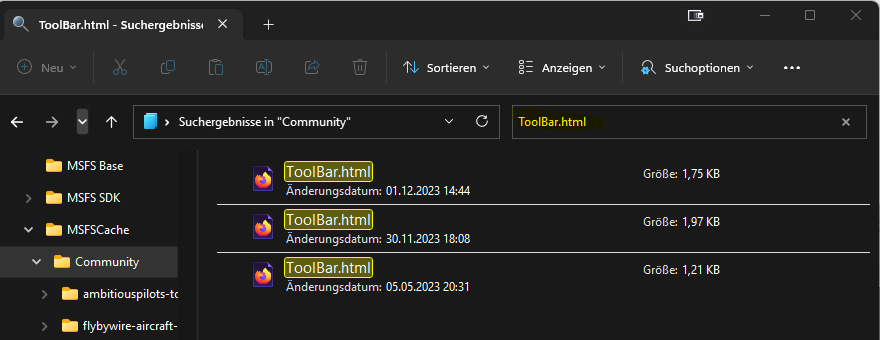
These files are from different plugins. But MSFS Can only load one at a time. So we have to basically link them
together.
4) Open the first one with a text editor of your choise. Something like `Editor` or `Notepad++`
5) At the bottom or end of the file, look for the </body> tag
6) Insert this code in the line `above` or just before the </body> tag:
<script type="text/javascript" src="./chatfs_custom/chatfs_toolbar_loader.js"></script>
It should look like this:

OR

7) Repeat for all other file in the search result. You don't have to do this with the one located in the `panel-chatfs` folder
8) (Re)start MSFS. The warning in MSFS should now be gone. If you still have the warning, please contact me on Discord